Mastering the valorant crosshair –a complete guide
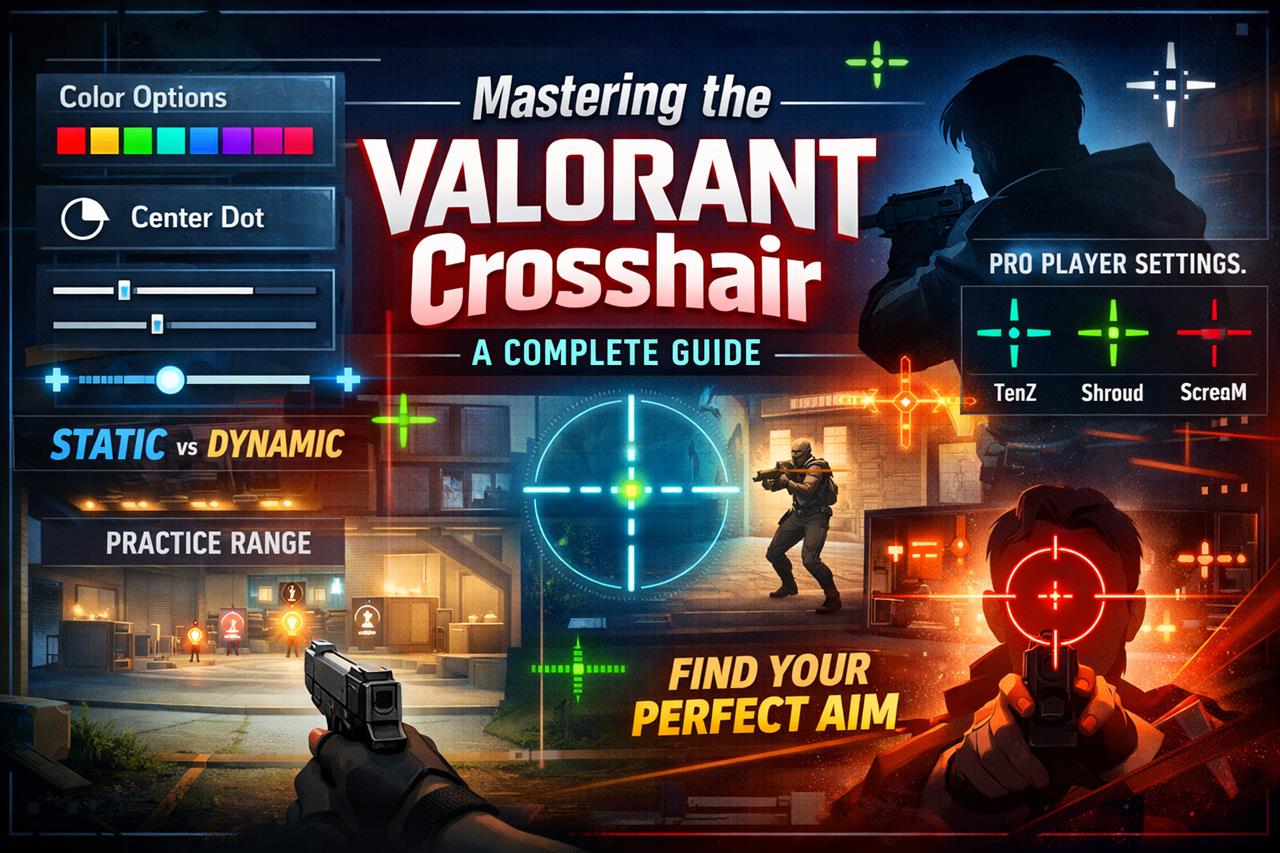
When it comes to performing at your peak in Riot Games' tactical shooter Valorant, your visual clarity and aiming reliability are critical. One of the most fundamental yet overlooked settings is your Valorant crosshair configuration. This small element on your screen can significantly impact your gameplay, from target acquisition to muscle memory. In this article, we will explore how to customize your crosshair for optimal performance, discuss different styles used by professional players, and provide tips for finding what works best for you.
Why Your Crosshair Matters
Your crosshair is your primary tool for aiming and tracking opponents. Having a crosshair that suits your personal playstyle and screen resolution can greatly increase your accuracy and reduce hesitation during key moments. It's not just about aesthetics - your crosshair can impact your performance in both subtle and significant ways.
Customizing Your Crosshair in Valorant
Valorant offers players extensive crosshair customization options. You can access these through the in-game settings under the "Crosshair" tab. From there, players can modify the color, outlines, center dot, inner and outer lines, movement error, and firing error.
Key Customization Features
- Color - Choose a color that stands out against most game environments. Green, cyan, and magenta are popular because they rarely blend with map visuals.
- Outlines - Adding outlines improves visibility in bright environments. You can adjust the thickness and opacity to avoid visual clutter.
- Center Dot - Useful for players who prefer precision aiming, especially when using sniper rifles or pistols.
- Inner and Outer Lines - These lines define the shape and behavior of your crosshair. You can change their size, thickness, opacity, and whether they expand with movement or firing.
Static vs. Dynamic Crosshairs
Static crosshairs remain the same regardless of your movement or shooting, making them a favorite among high-level players who rely on muscle memory and recoil control. On the other hand, dynamic crosshairs provide visual feedback when moving or firing, helping beginner players understand shooting mechanics.
Popular Crosshair Styles from Pro Players
If you're unsure where to start, looking at pro crosshairs can offer valuable guidance. Many professionals share their settings publicly, and you can even import their crosshair codes directly into your game.
Examples of Pro Player Crosshairs
- TenZ - Known for a minimalist design with no outlines and a thin center cross. Color: Cyan, Style: Static.
- Shroud - Uses a standard cross with a center dot for precision. Color: Green, Style: Static with outlines.
- ScreaM - Prefers a small crosshair to suit his one-tap headshot playstyle. Color: Red, Minimal lines.
Experimenting with these styles can help guide you toward creating a personal setup that flows with your instincts and game sense.
Finding Your Perfect Crosshair
Testing in Practice Range
The best way to test your crosshair is in Valorant’s Practice Range. Spend time shooting targets, strafe-shooting, and adjusting your settings incrementally. Take note of what feels comfortable and what allows you to consistently land accurate shots.
General Tips
- Keep it simple - avoid overly fancy designs that distract you from the target.
- Use a color that contrasts well with the game environment.
- Revisit and tweak your crosshair settings regularly as your playstyle evolves.
Conclusion
Your Valorant crosshair is more than just a cosmetic choice - it’s a functional tool that can influence your aiming consistency and confidence. Whether you’re new to the game or climbing toward higher ranks, investing time into finding the right crosshair is well worth the effort. Explore various setups, test them in real scenarios, and don't hesitate to refine your choice as your skills progress.